Tie Optimization
Makes the music cleaner and more legible: ties on the outer voices are placed so that their apex touches the staff lines as little as possible. The ties become clearer, and your eyes are spared in the long run.
Before – after


[Images to follow]
Why overload a window with options when the script is already preconfigured to set everything up perfectly? All you need to do is click “Apply”.
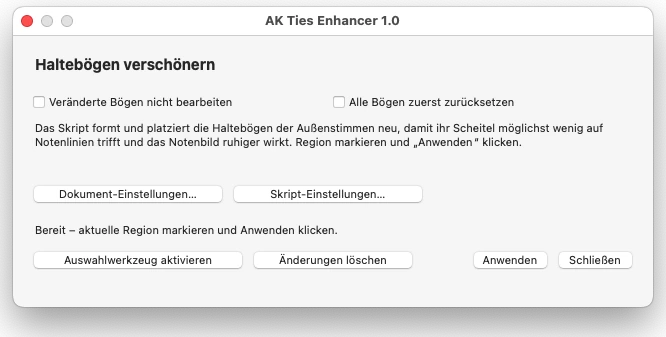
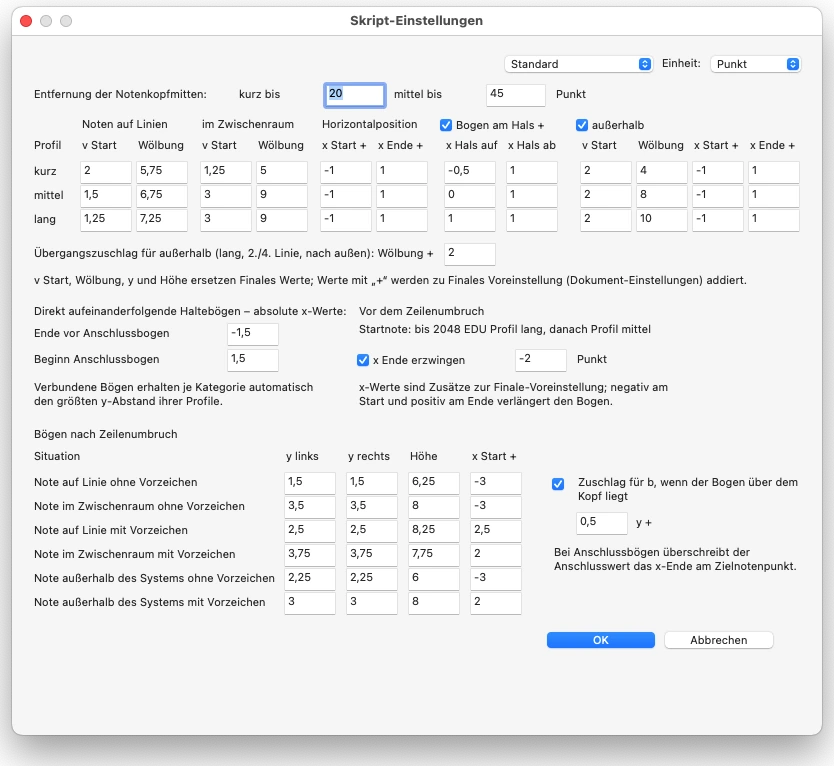
Of course, you still have full control and can change the script settings or, if you wish, save them as profiles for different purposes.
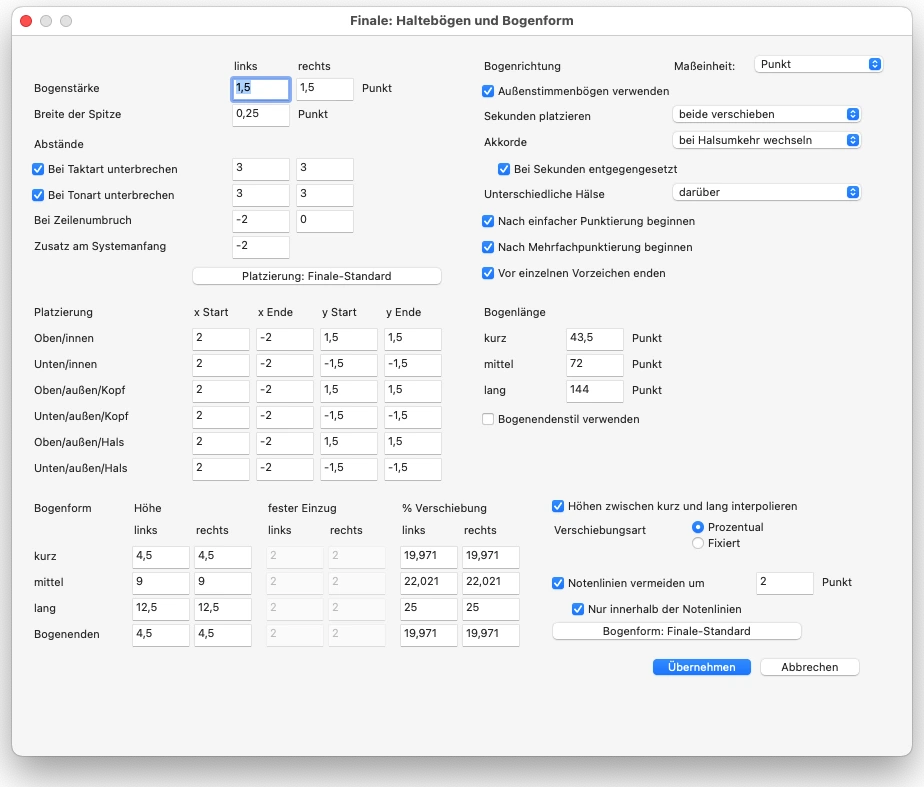
Since some of the values are additions to Finale’s document settings, the window also gives you direct access to those settings – laid out more clearly than Finale itself does.
The script comes with a manual in six languages.