Batch Processing
Two scripts to match documents with each other conveniently and quickly, one at a time or a whole folder at once – for example when settings, fonts or texts are to be changed or replaced.
AK Batch Sync Settings
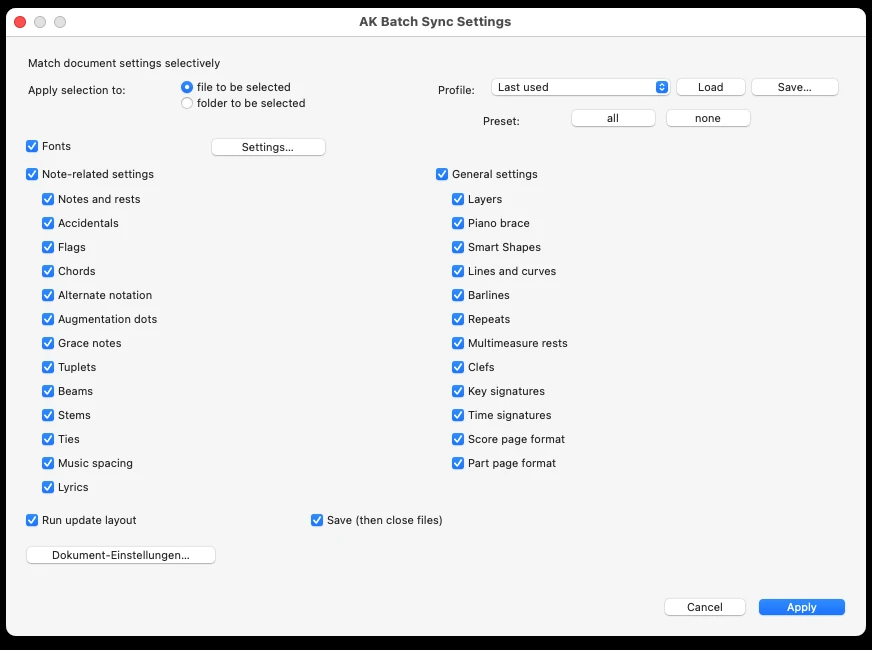
Transfers document settings and fonts from the open document to another file or to all files in a folder. You choose exactly which areas are transferred – from noteheads and beams to repeats and page format. A test run shows beforehand what would change; you save your own selections as profiles.
AK Batch Text Replacer
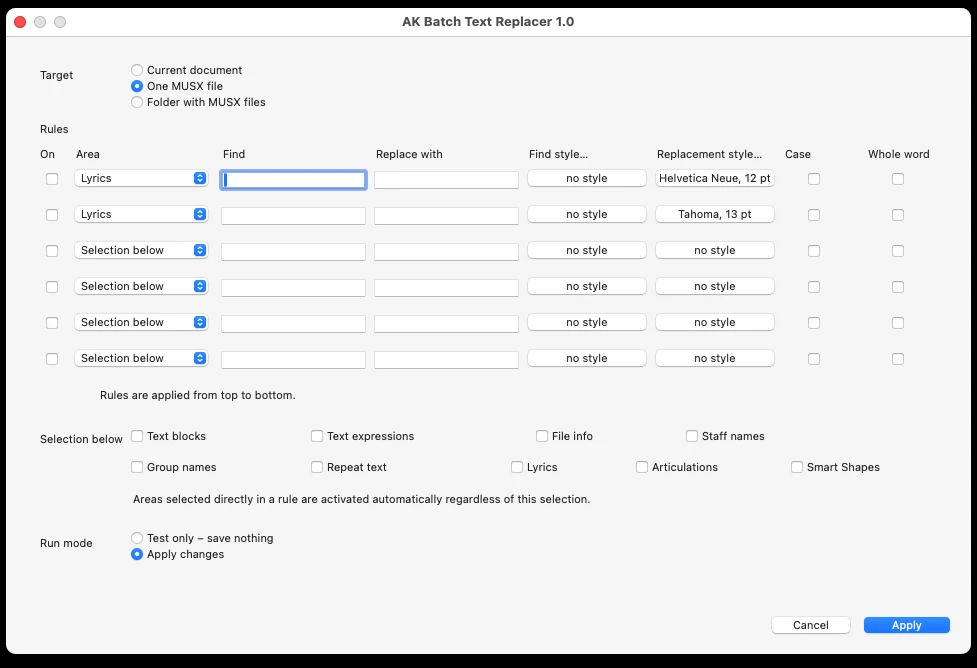
Finds and replaces texts with up to six rules at once – in text blocks, expressions, staff names, lyrics and other text types. If you wish, only text in a particular font, or the replaced text gets a new font right away. “Test only” first shows the matches without saving anything.
Both scripts come together in one package, with a manual.