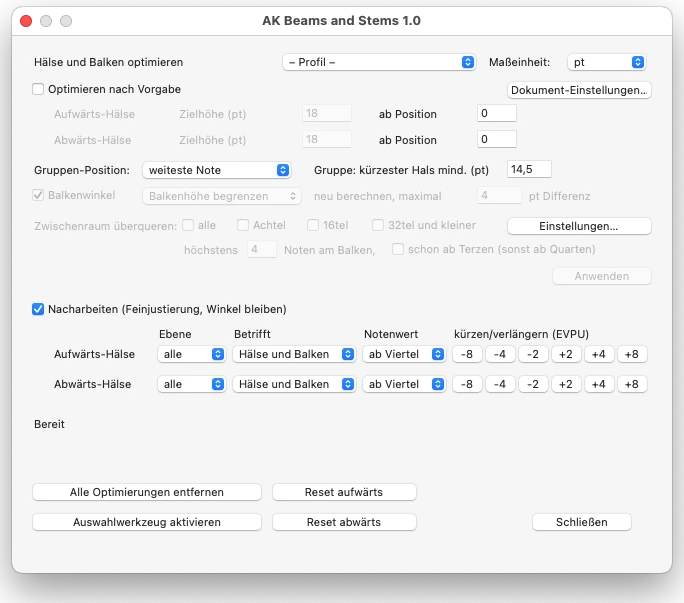
Stem and Beam Optimization
AK Beams and Stems makes the music clearer and calmer. It aligns beams inside the staff with the staff lines so that no slivers appear – tiny white gaps between beam and line. Your eyes will thank you in the long run.
Before – after
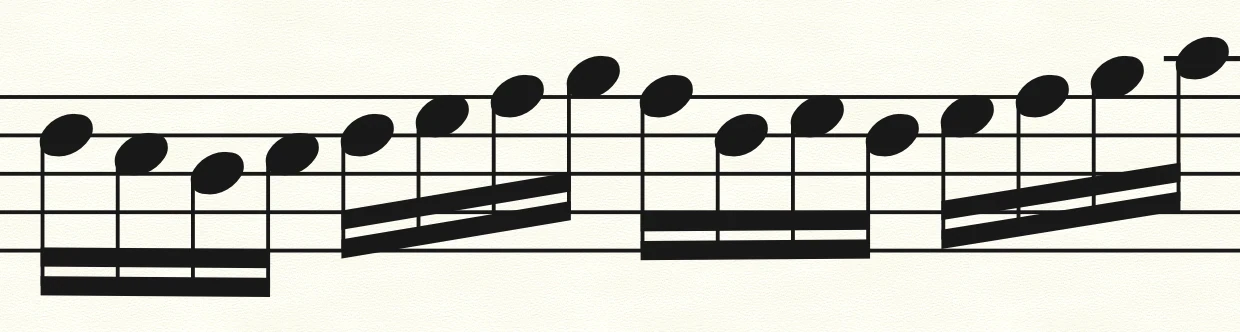
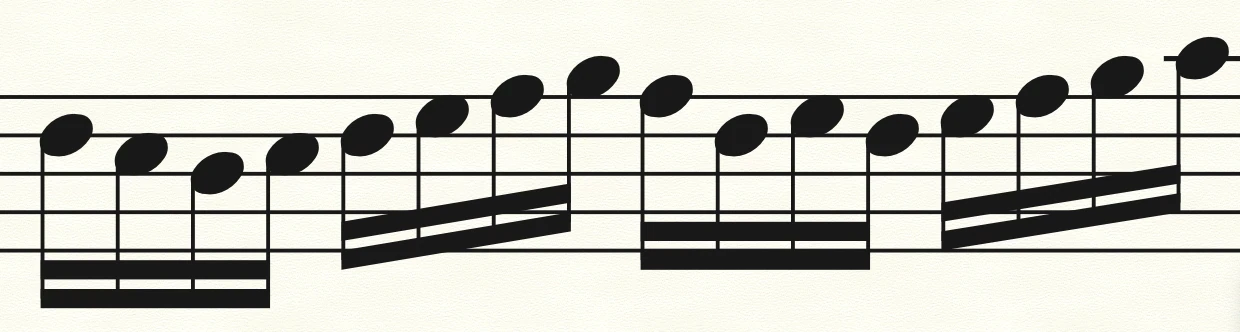
If you wish, it shortens stems and beams that stick out far from the staff, saving space between the systems. This is particularly helpful on staves with several voices.


Ready-made profiles save you from having to configure anything first; but of course all options and value fields are available whenever you want to modify or try something. An included manual (in six languages) supports you.
This includes a second mode in which you can shorten or lengthen stems and beam heights, filtered by layer, note value and type (stem or beam).