Note Spacing Optimization
AK Spacing Master revolutionizes Finale’s note spacing, aiming at an even more refined score that convinces through clarity.
Better spacing when stem directions change


[Images to follow]
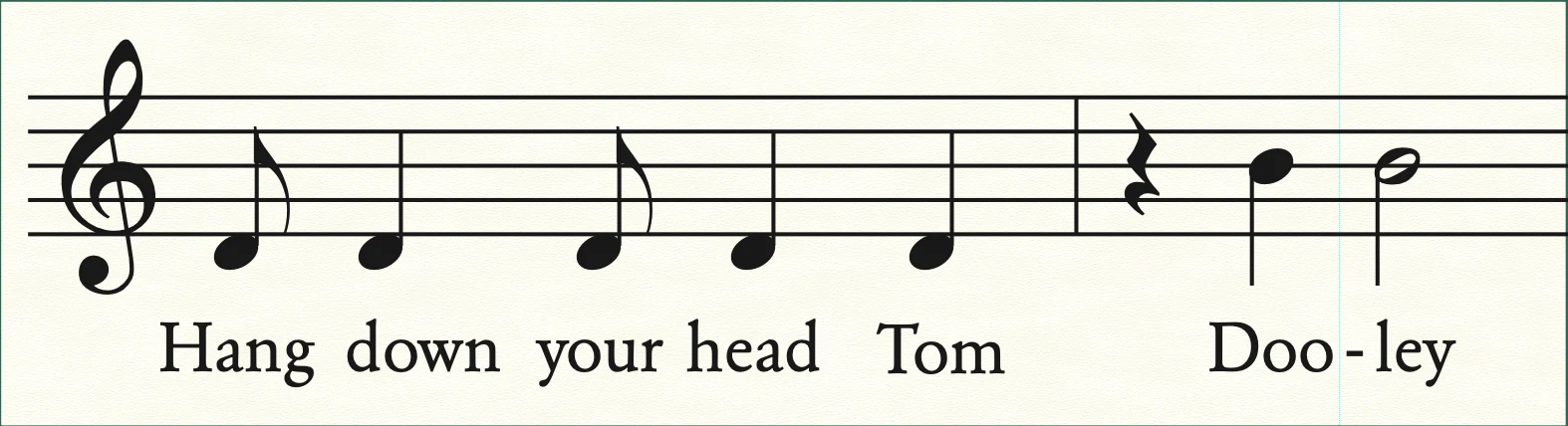
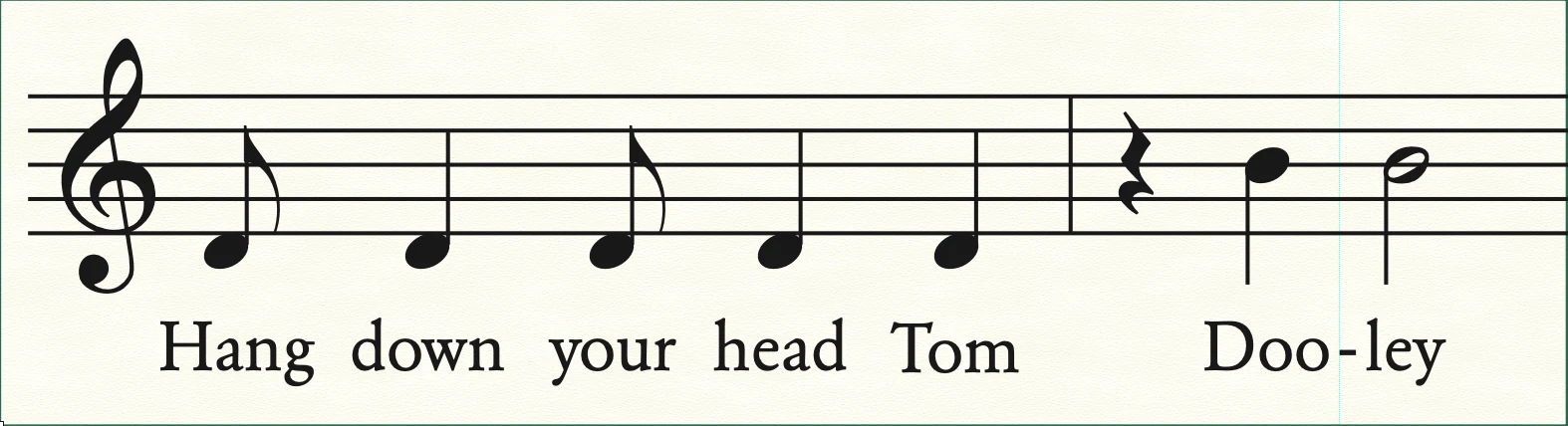
More rhythmic clarity with new options for syllables
[Images to follow]
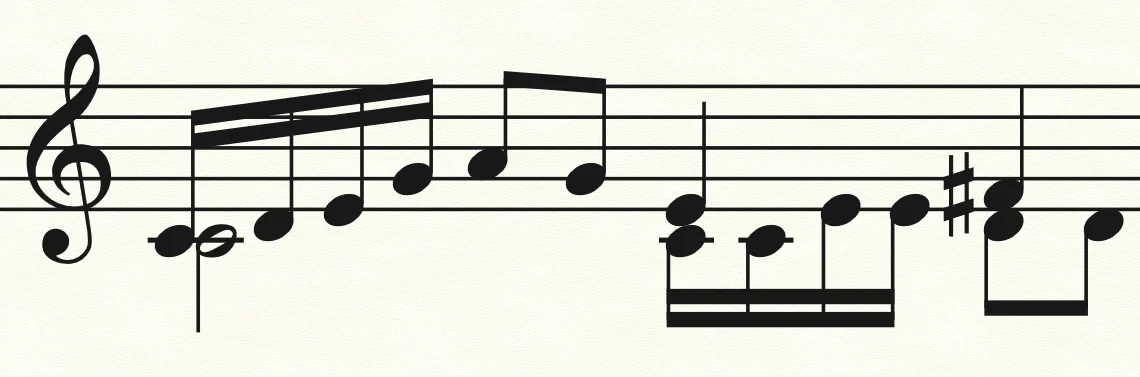
Spacing correction for offset seconds and accidentals in another layer
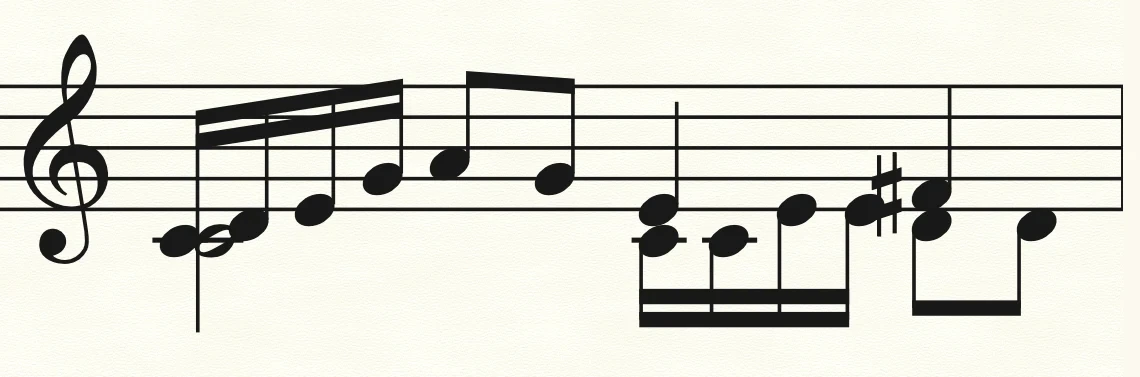
[Images to follow]
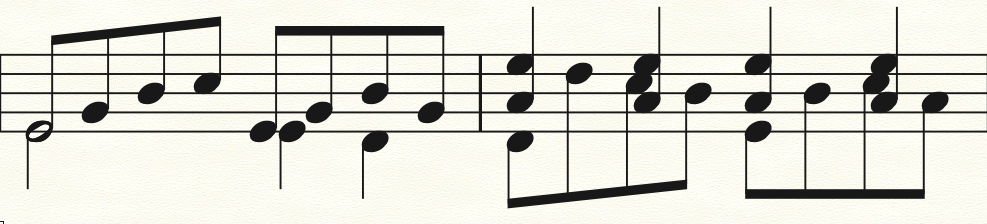
Additional modes for unisons and voice crossings
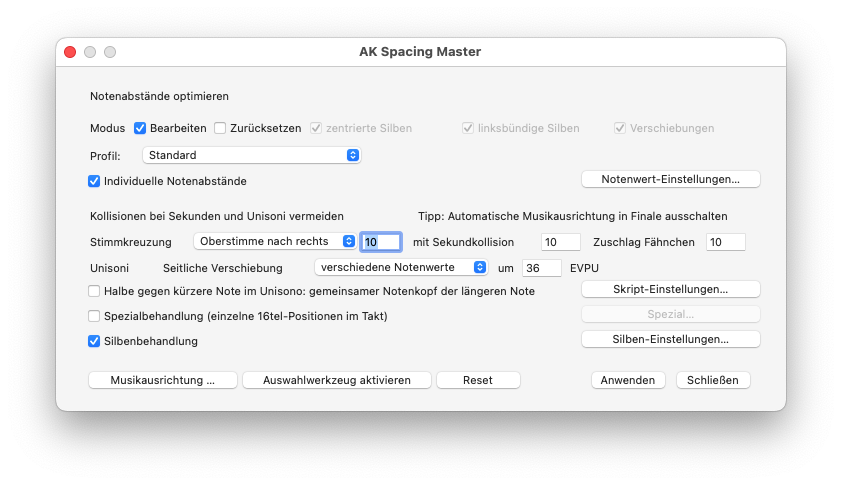
The script offers a simple start window with preconfigured profiles.
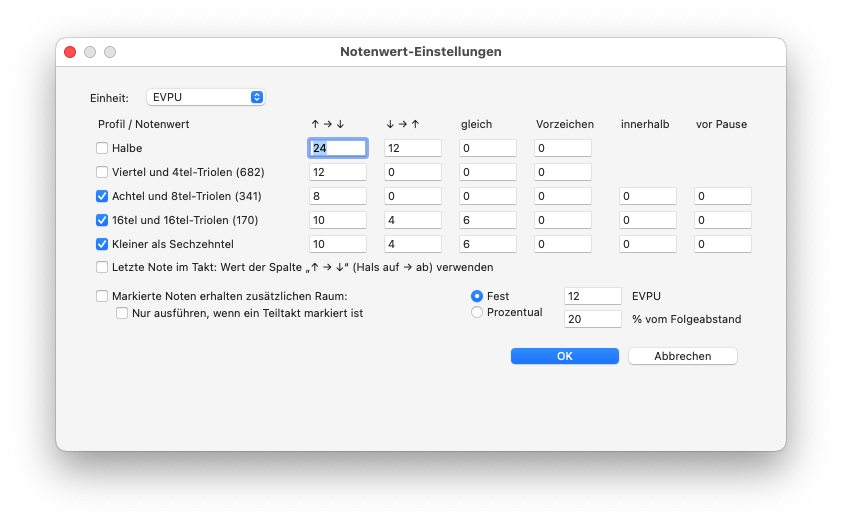
Of course, you can also view the values, change them as you like and save them again.
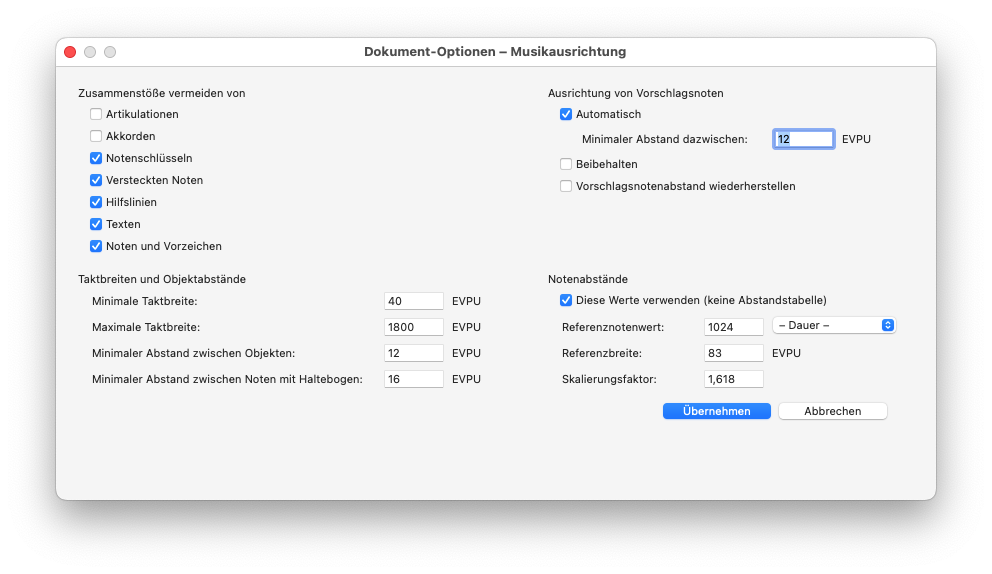
The script window also gives you direct access to all relevant document options.
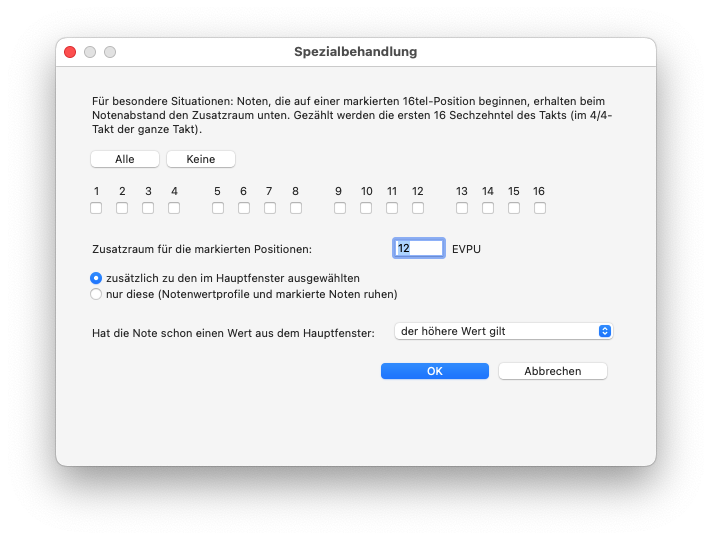
For very special situations you can even enlarge the extra space after any sixteenth in 4/4 time – literally influencing every position in the measure separately.